2026-10-12 LinkedIn
How I structure my context
Your agent guesses which files to read. Give it a map.
I’ll share my context principles one by one. First and simplest: a router file.
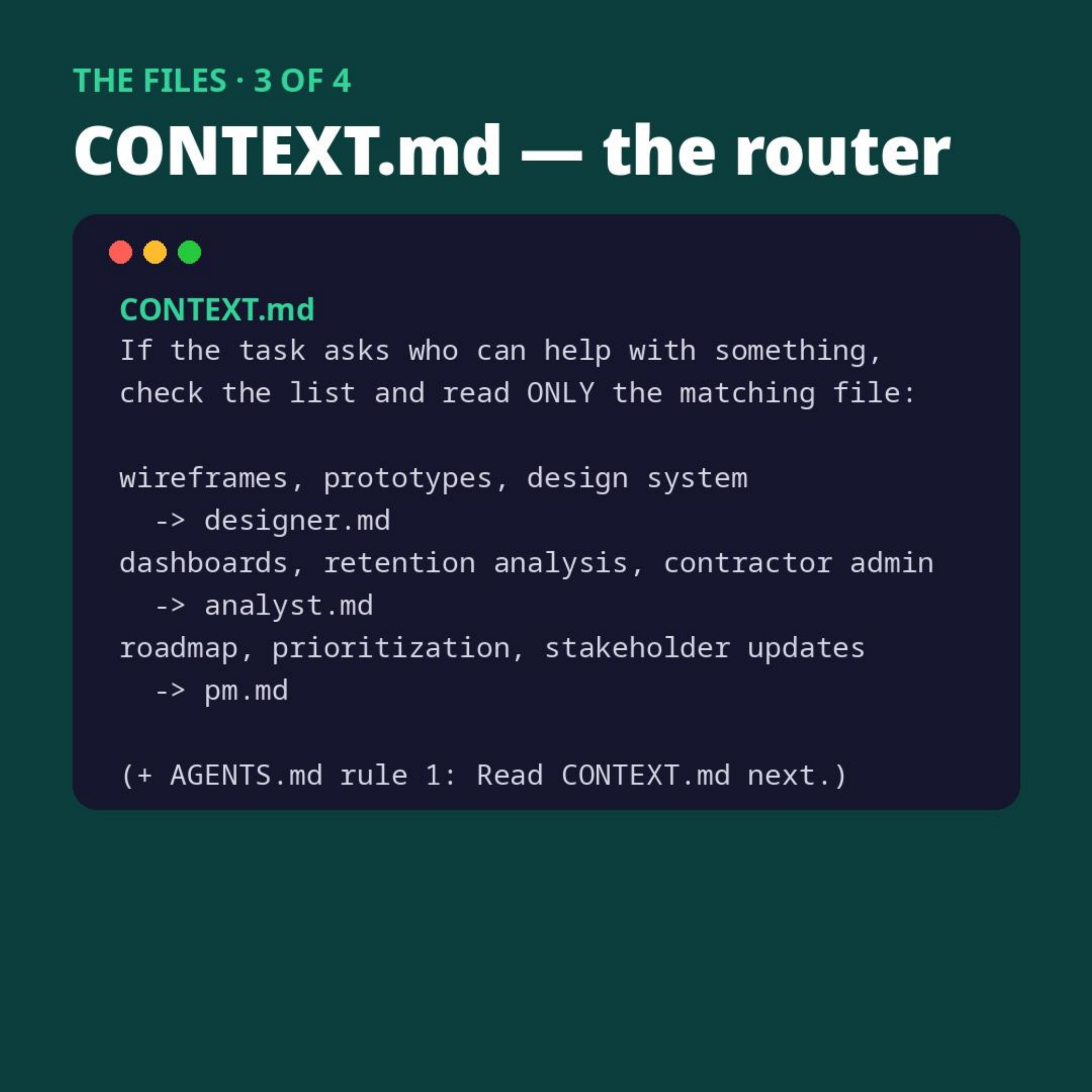
One file, CONTEXT.md, maps each topic to the file that covers it. Wireframes are mapped to designer.md, contractor admin to analyst.md, and roadmap to pm.md. AGENTS.md has one line: read the router first.
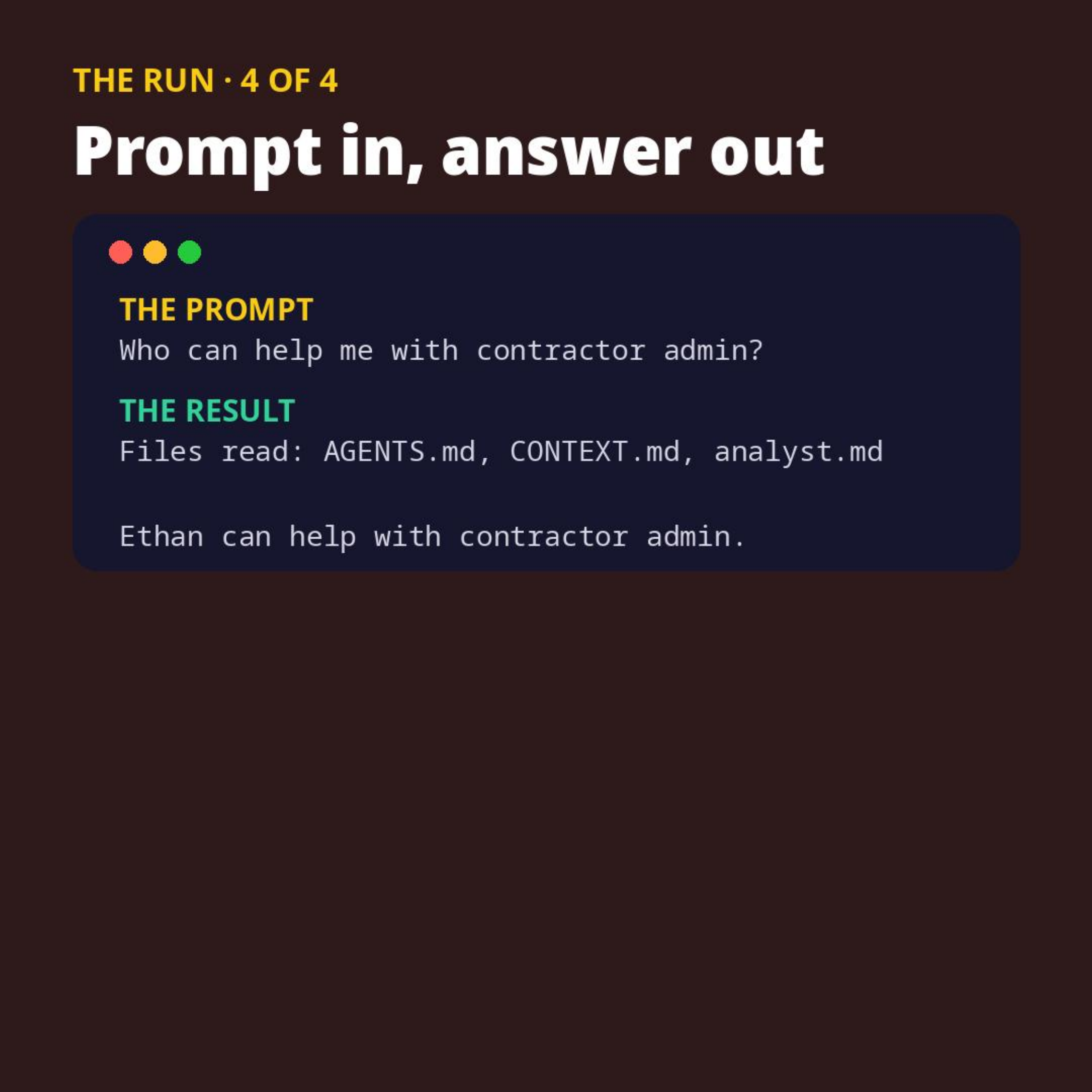
Without it, the agent guesses which files to open, and the guessing gets worse as the folder grows. With it, every task costs the same 3 file reads whether the folder holds 4 files or 400.
Once you get this, you’ve made the first step. Your context stops being a pile the agent guesses through, and it starts being something you control.
Try it with the toy example below and share how it worked for you. One honest note: with only 4 files the agent sometimes gets lucky and opens the right one first, or just reads them all. Run it a few times and watch the order change. That’s the point.
#employablePM
Starter files:
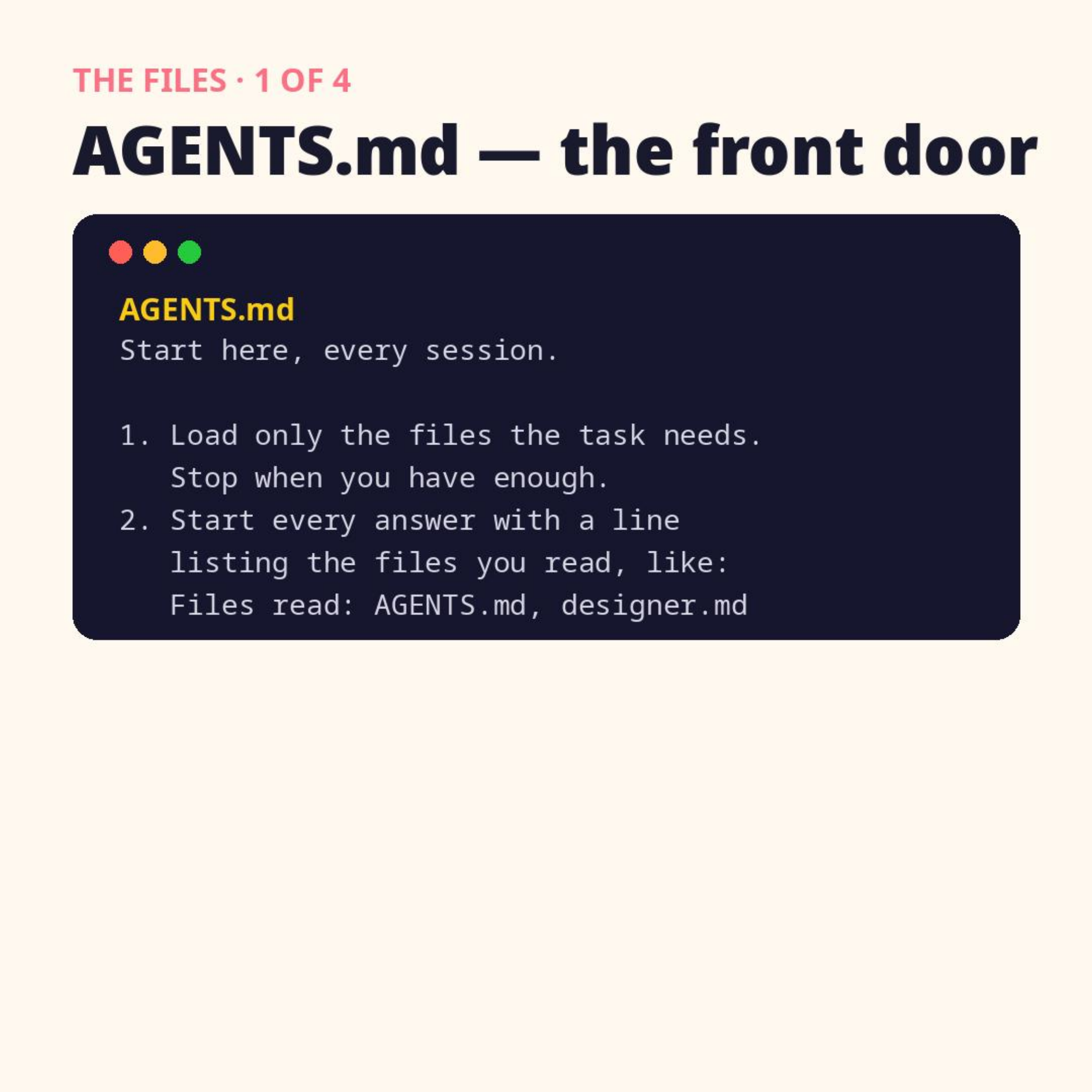
# AGENTS.md — start here, every session
1. Load only the files the task needs. Stop when you have enough.
2. Start every answer with a line listing the files you read, like: Files read: AGENTS.md, designer.md
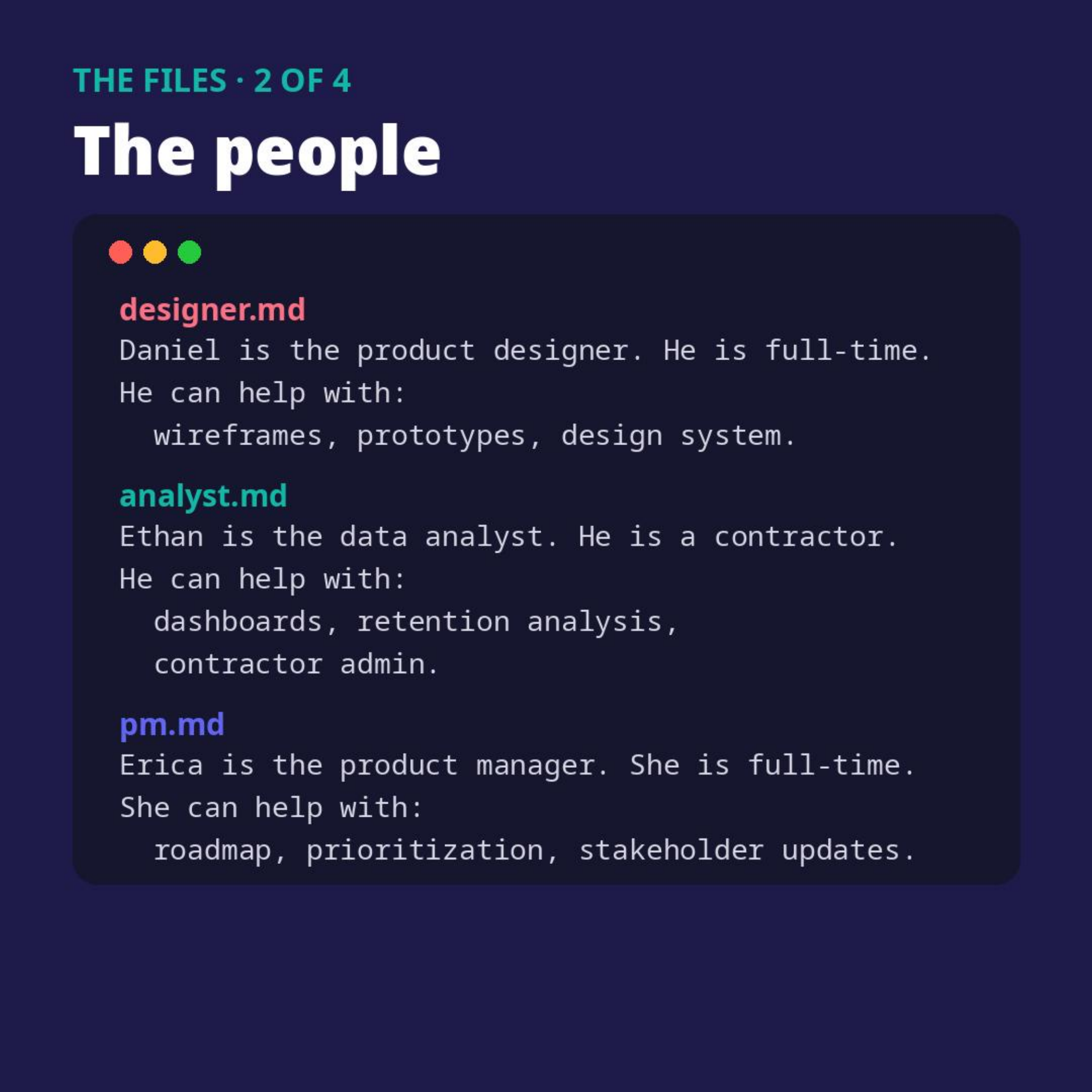
# designer.md
Daniel is the product designer. He is full-time.
He can help with: wireframes, prototypes, design system.# analyst.md
Ethan is the data analyst. He is a contractor.
He can help with: dashboards, retention analysis, contractor admin.# pm.md
Erica is the product manager. She is full-time.
She can help with: roadmap, prioritization, stakeholder updates.Then add this file, and add “Read CONTEXT.md next.” as rule 1 of AGENTS.md:
# CONTEXT.md — router
If the task asks who can help with something, check the lists below and read ONLY the matching file:
- wireframes, prototypes, design system → designer.md
- dashboards, retention analysis, contractor admin → analyst.md
- roadmap, prioritization, stakeholder updates → pm.md
Notes
- Archived from the approved draft; live post text not re-verified (no LinkedIn login in the browser).
- Visual posted: 4-page carousel PDF (carousel.pdf), slides 1-4.
Originally posted on LinkedIn — read it there